Logo
Landscape logo positive
Our core logo is made up of our Griffin symbol and logotype.
The symbol is legible at most sizes, and a small, simplified version is provided for micro applications.
The feather shapes used to make up the symbol can be extracted and used as graphic elements.

Landscape logo negative
Select the negative version of the logo if it is intended to be reversed out of dark backgrounds.

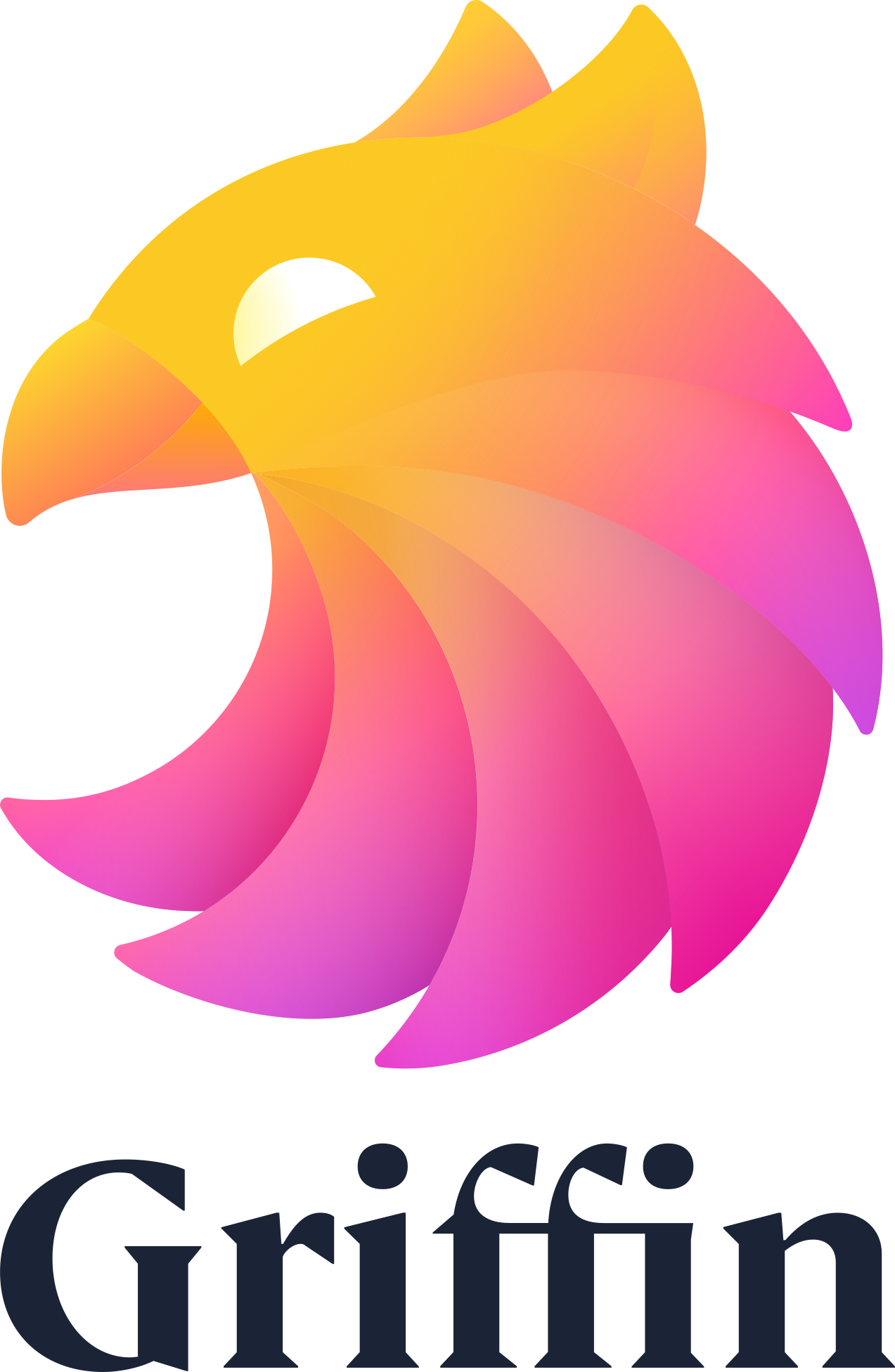
Portrait logo positive
The portrait logo is for large-scale use. Avoid using at small sizes, as it can become illegible.
Always use the logo files provided. Do not re-create.
Portrait logo negative
Select the negative version of the logo if it is intended to be reversed out of dark backgrounds.
One colour
The one-colour logo should be used only on photographs and colour backgrounds within the Griffin palette.
The one-colour logo only comes in black, white and slate colourways. If using a slate background, we strongly prefer to use the full-colour logo.
However, if design limitations conflict with this, then the logo should appear in white on slate.
Colors
Primary palette
Our primary palette consists of slate, peach, black, white and orange. Use slate and peach for backgrounds and text when possible.
Orange
Orange should be used as an accent colour. Our full colour logo should never appear on orange as it does not stand out. Make sure the single colour logo is used in these instances.
Slate
PMS 532C
CMYK 95-80-50-60
RGB 27-36-54
HEX 1b2436
Peach
PMS 10% 171C
CMYK 10% tint of orange
RGB 255-339-238
HEX ffefee
White
CMYK 0-0-0-0
RGB 220-220-220
HEX ffffff
Black
PMS Black
CMYK 0-0-0-100
RGB 0-0-0
HEX 000000
Orange
PMS 171C
CMYK 0-75-73-0
RGB 253-92-60
HEX fd5c3c
Secondary palette
A set of secondary colours have been chosen as a supporting palette. The secondary colour palette can be used as accents for infographics and code examples.
These colours should be used sparingly and should not be used as a lead colour. You can use tints of these colours when necessary.
Purple
PMS 268C
CMYK 87-100-10-5
RGB 78-35-118
HEX 4e2376
Pink
PMS 2385C
CMYK 5-87-0-0
RGB 234-66-198
HEX ea42c6
Green
PMS 338C
CMYK 65-0-47-0
RGB 90-190-160
HEX 5abda0
Blue
PMS 2718C
CMYK 65-24-0-0
RGB 118-158-255
HEX 769eff
Mustard
PMS 1225C
CMYK 0-27-80-0
RGB 255-194-62
HEX ffc23e
Typography
Cambon
Headings are set in Cambon.
Typesetting
When typesetting, please observe the following rules:
- Always set in sentence case
- Do not set in all-caps or in all-lowercase
- Kerning is set to optical
- Tracking and Letter spacing: 0
- Leading: 120% / Line height 1.2ems
- Do not use for paragraphs of text
- Do not hyphenate text
Aa Bb Cc Dd Ee Ff Gg Hh Ii
Jj Kk Ll Mm Nn Oo Pp Qq Rr
Ss Tt Uu Vv Ww Xx Yy Zz
Cambon
Circular
Text and paragraph text in Circular.
Typesetting
When typesetting, please observe the following rules:
- Set paragraphs and long expanses of text in sentence case.
- Use all caps for no more than 20 words
- Kerning is set to optical
- Tracking and Letter spacing: 0
- Leading: 140% / Line height 1.4ems
- Do not hyphenate text
Aa Bb Cc Dd Ee Ff Gg Hh Ii
Jj Kk Ll Mm Nn Oo Pp Qq Rr
Ss Tt Uu Vv Ww Xx Yy Zz
Circular
Circular Mono
Code examples and developer-related content is set in Circular Mono.
Typesetting
When typesetting, please observe the following rules:
- Set in sentence case
- Kerning is set to optical
- Tracking & Letter spacing: 0
- Leading: 130% / Line height 1.3ems
- Do not hyphenate text
Aa Bb Cc Dd Ee Ff Gg Hh Ii
Jj Kk Ll Mm Nn Oo Pp Qq Rr
Ss Tt Uu Vv Ww Xx Yy Zz
Circular Mono